Use the camera, barcode scanner, uploaded photos or voice note.
Back to home
AI-enabled repair platform
Book repairs and add stock without typing everything.
AI Scan helps staff use the phone camera, barcode scanner, product photos and voice notes to prepare clean repair, inventory and stock intake records.
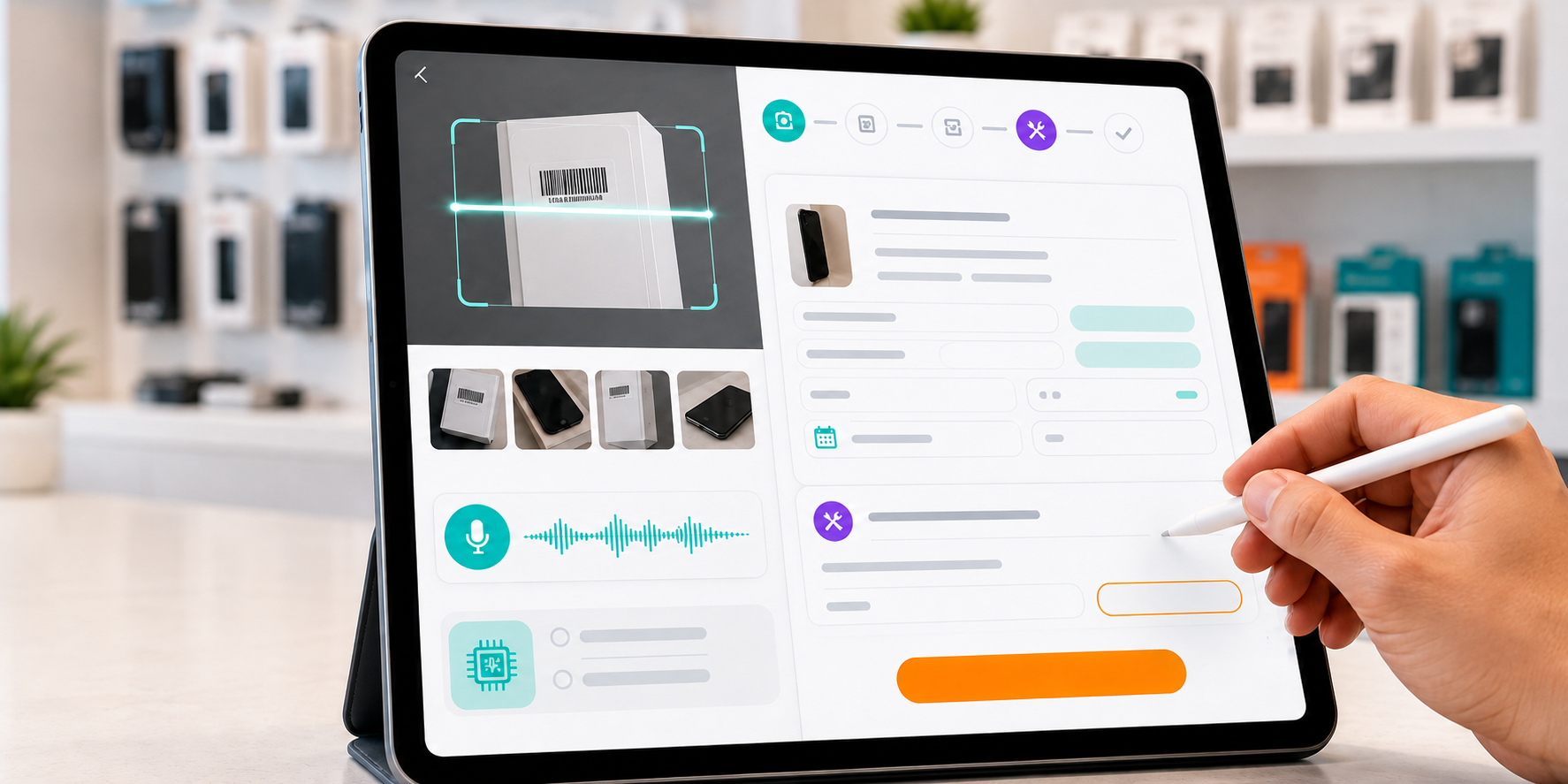
How AI Scan works.
The idea is simple: capture what the staff already sees or says, then let the system prepare the record for approval.
AI Scan reads the useful details and puts them into the right fields.
Staff can edit everything before it becomes a saved record.
Create the repair, product or stock intake without retyping the same information.
Where shops use it.
AI Scan is built into the same daily workflows, so staff do not need to learn a separate tool.
Speak the problem, then approve the booking.
Staff can take condition photos, record a voice note and let AI Scan suggest the device type, brand, model, fault summary, quote and checklist details. Staff still review and edit before saving.
Turn packaging photos into product fields.
Scan a barcode or skip it, take product photos, and AI Scan can suggest the name, brand, description, category and specifications so the item is ready faster.
Receive stock with fewer taps.
Stock Intake can open AI Scan directly so staff can identify an item, create a missing SKU where needed, then continue receiving quantities into inventory.
Fast, but still controlled by staff.
AI Scan is designed to reduce typing, not remove judgement. Staff can edit names, model details, condition notes, categories, prices and customer information before saving.
Review before save
Works with photos and voice
Useful for repair and stock
Built into daily workflows
AI Scan FAQs.
Does AI Scan save records automatically?
No. AI Scan prepares the fields, then staff review, edit and approve before saving.
Can shops still type manually?
Yes. AI Scan is optional. Shops can use the normal booking, inventory and stock intake forms whenever they prefer.
What can AI Scan read?
It can use barcodes, packaging photos, product photos and voice notes to suggest useful fields for repairs and inventory.
Let staff capture more, type less.
Start with Manage Repairs and use AI Scan for repair booking, inventory and stock intake.