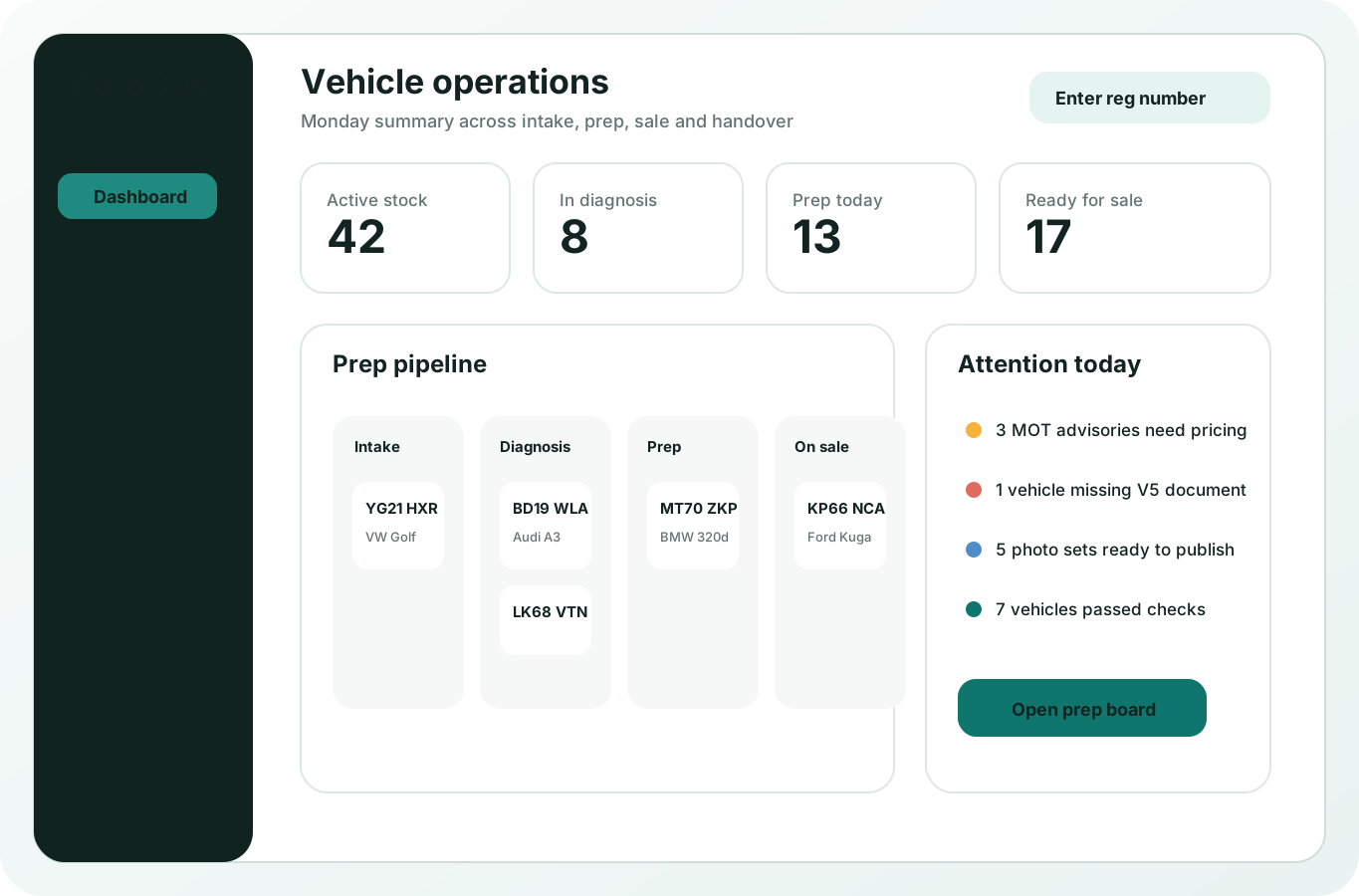
Create vehicle intake, prep notes and stock records from photos, barcodes and voice notes.
Manage vehicle stock, prep and diagnostics with AI.
Use AutoOps Command to intake vehicles, track preparation, store diagnostic notes, manage stock and keep customer handovers organised.
Free for approved dealers
No credit card required
Configurazione in pochi minuti
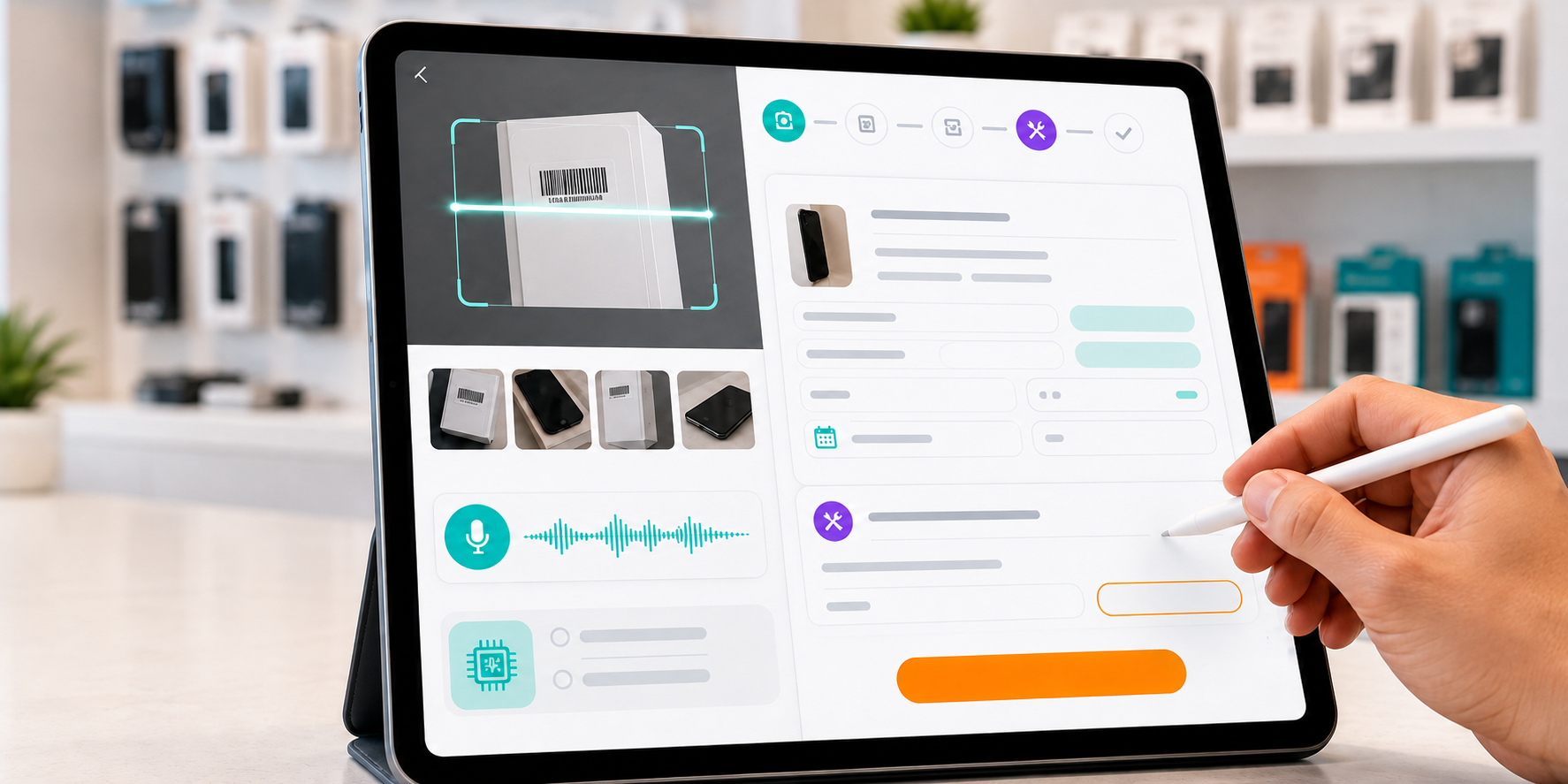
Voice to vehicle record
Fault, model and prep notes filled quickly
Photos to condition record
Condition and prep evidence captured on intake
VIN/VRM to stock
Create vehicle stock records with fewer taps
Everything your automotive operation needs.
One platform for vehicle intake, prep, stock, sales, customers, payments and reporting.
Jobs, diagnostics, quotes and preparation tracking.
Deposits, payments, customer lookup and till reports.
Cars, vans, parts, accessories, branch transfers and stock control.
Buyer and seller history, communication and follow-up.
Sales, refunds, tax figures and preparation costs ready for review.
Built around automotive dealer workflow.
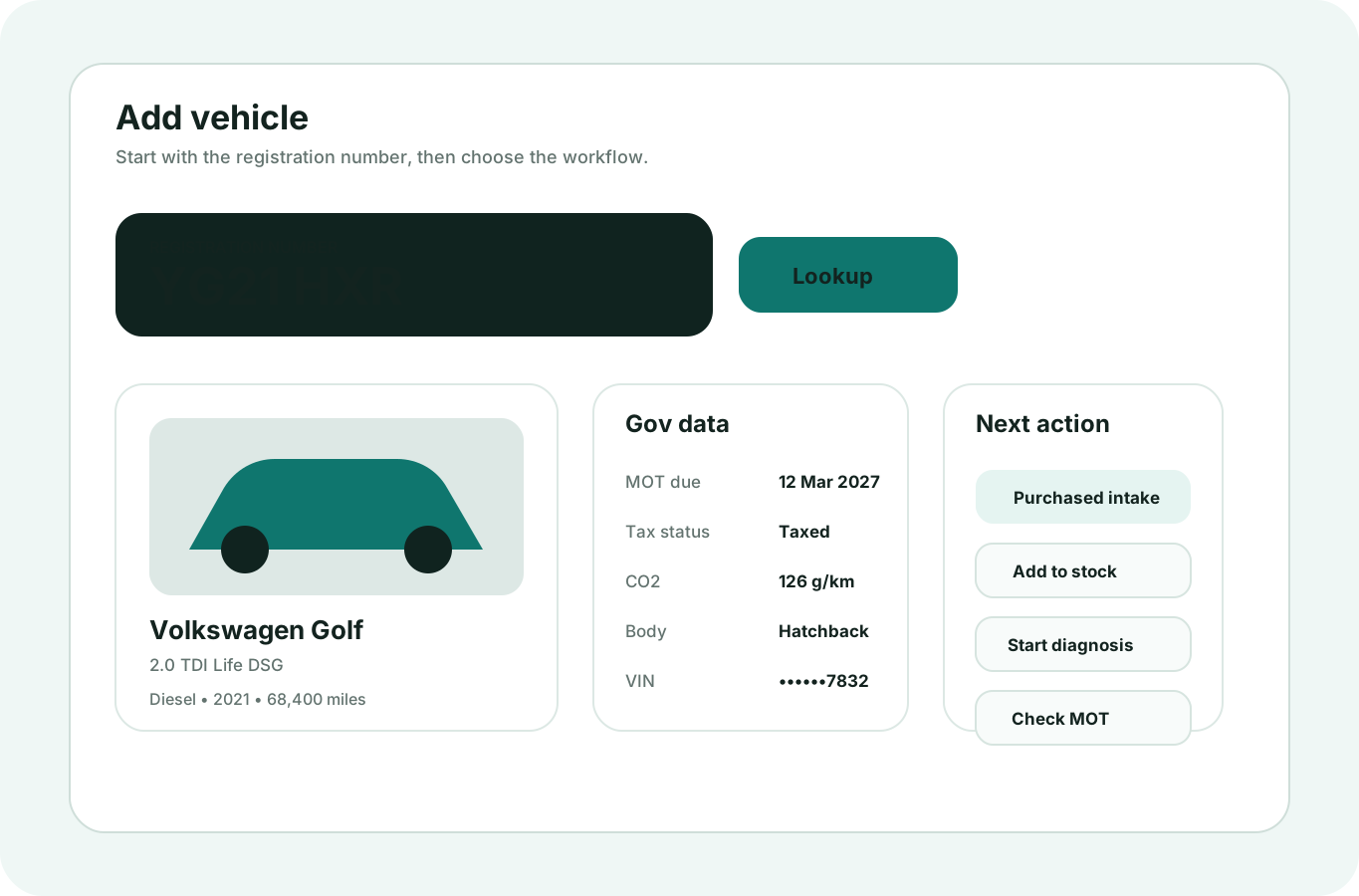
Intake the vehicle
Capture customer or supplier details, VIN, VRM, mileage, condition photos and fault notes in seconds.
- Vehicle history
- VIN, VRM and mileage
- Photos and notes
- Custom prep fields
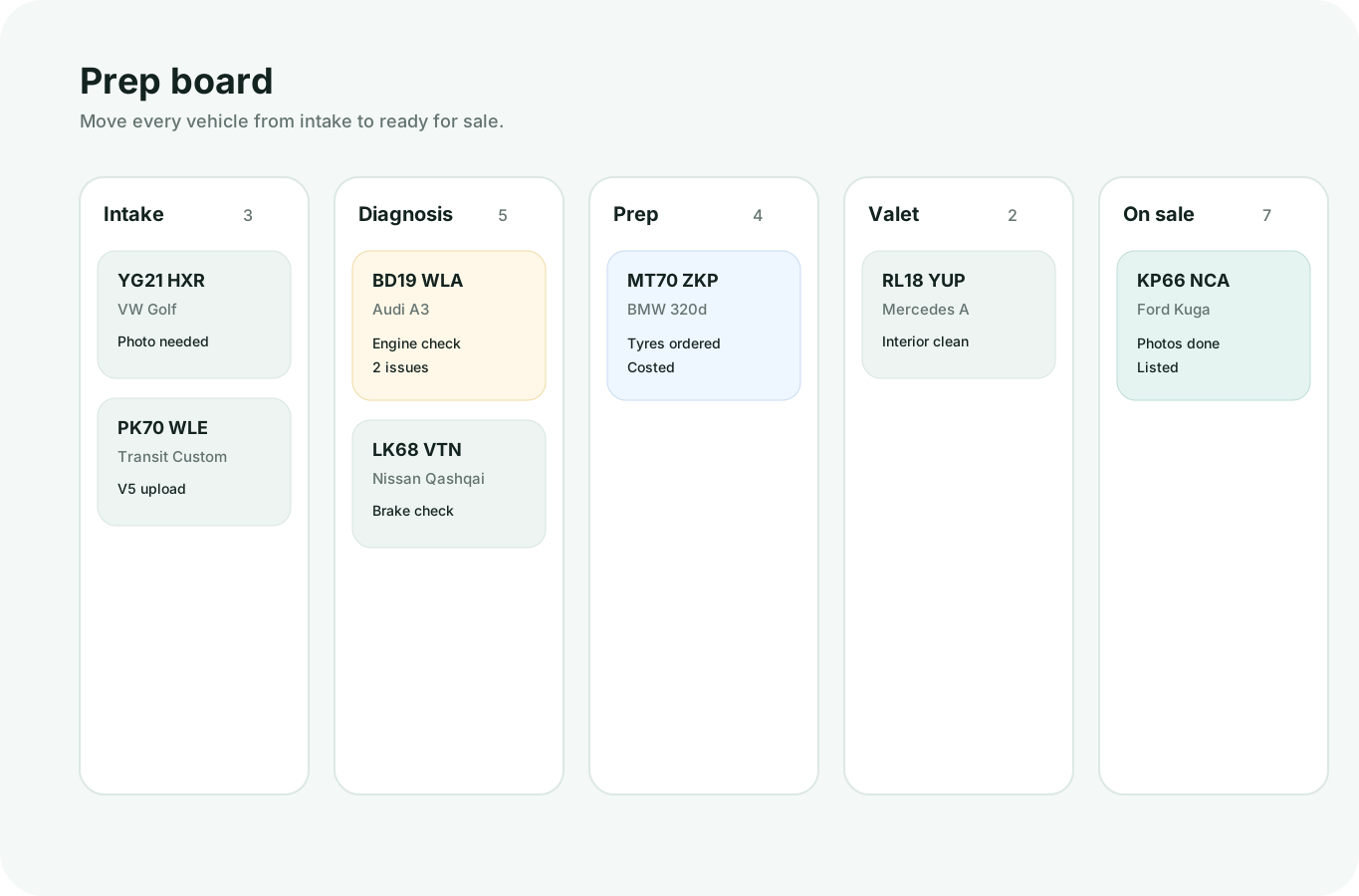
Vehicle prep, clearly organised.
A simple board shows what is in diagnostics, waiting for parts, in prep, in valet and ready for sale. Move vehicles forward as the work progresses.
Clear vehicle stages
Drag vehicles forward
Ready-for-sale view
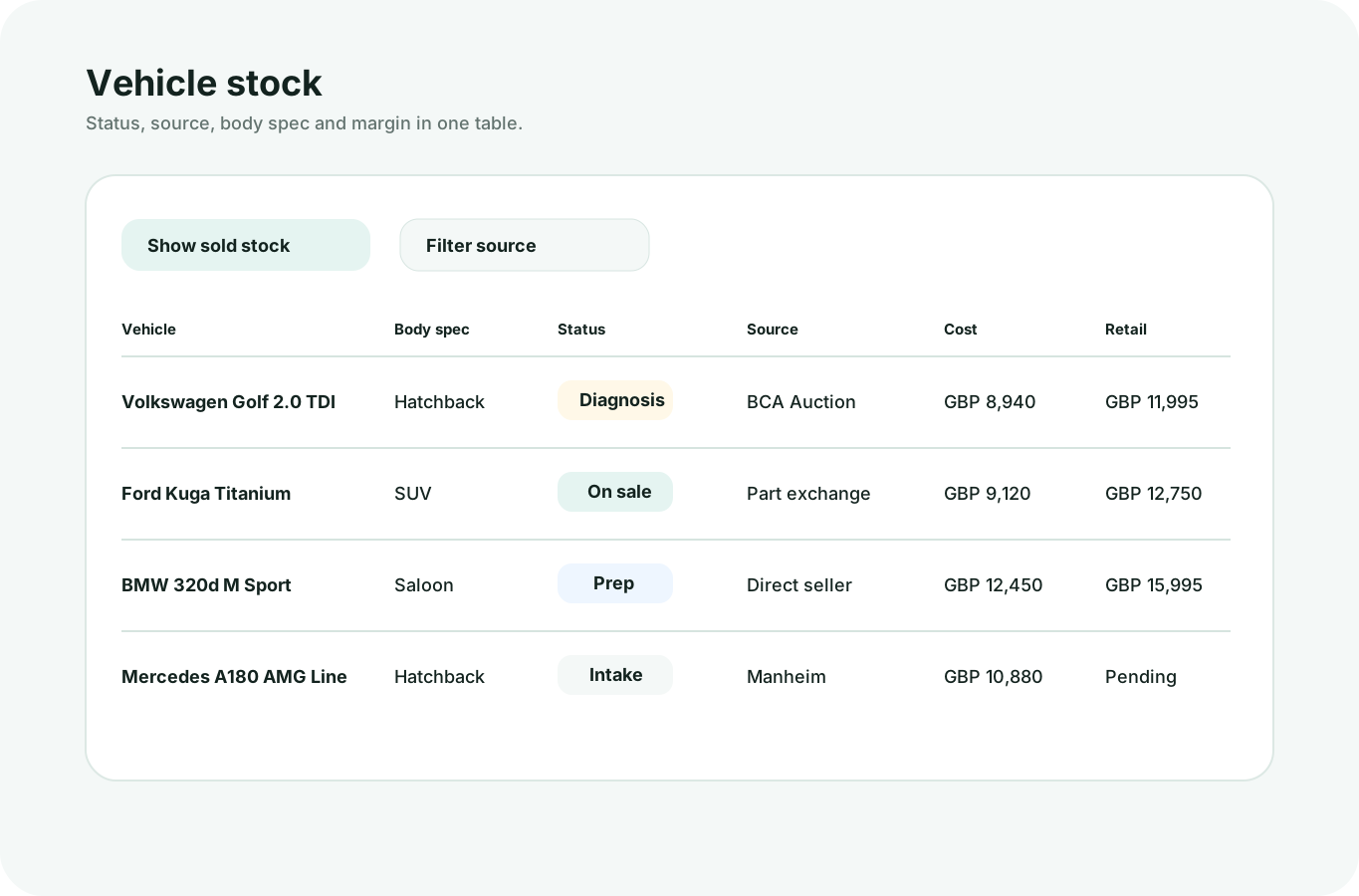
Automotive starter data helps you start faster.
AutoOps starts with vehicle categories, preparation stages, common checks and stock examples. Keep what fits your dealership, remove what you do not need, and add your own items any time.
Vehicle workflow included
Prep stages already added
Edit or hide anything
See the numbers your dealership needs every day.
Track vehicle prep, sales, payments and stock from the same workspace. See what is ready, what sold today and what needs attention.
Vedi report di esempio
Today in AutoOps Demo Motors
Live dealer summary
£1,824Today's revenue
26Active vehicles
7Ready for sale
4Prep alerts
Prep payments£684
Vehicle and POS sales£1,140
Outstanding balances£486
Prep alerts4
Website tools for your dealership.
Create a branded website connected to the same vehicles, products, customers and prep system you already use.
- Your branding
- Vehicles and products
- Vehicle enquiries
- Customer tracking
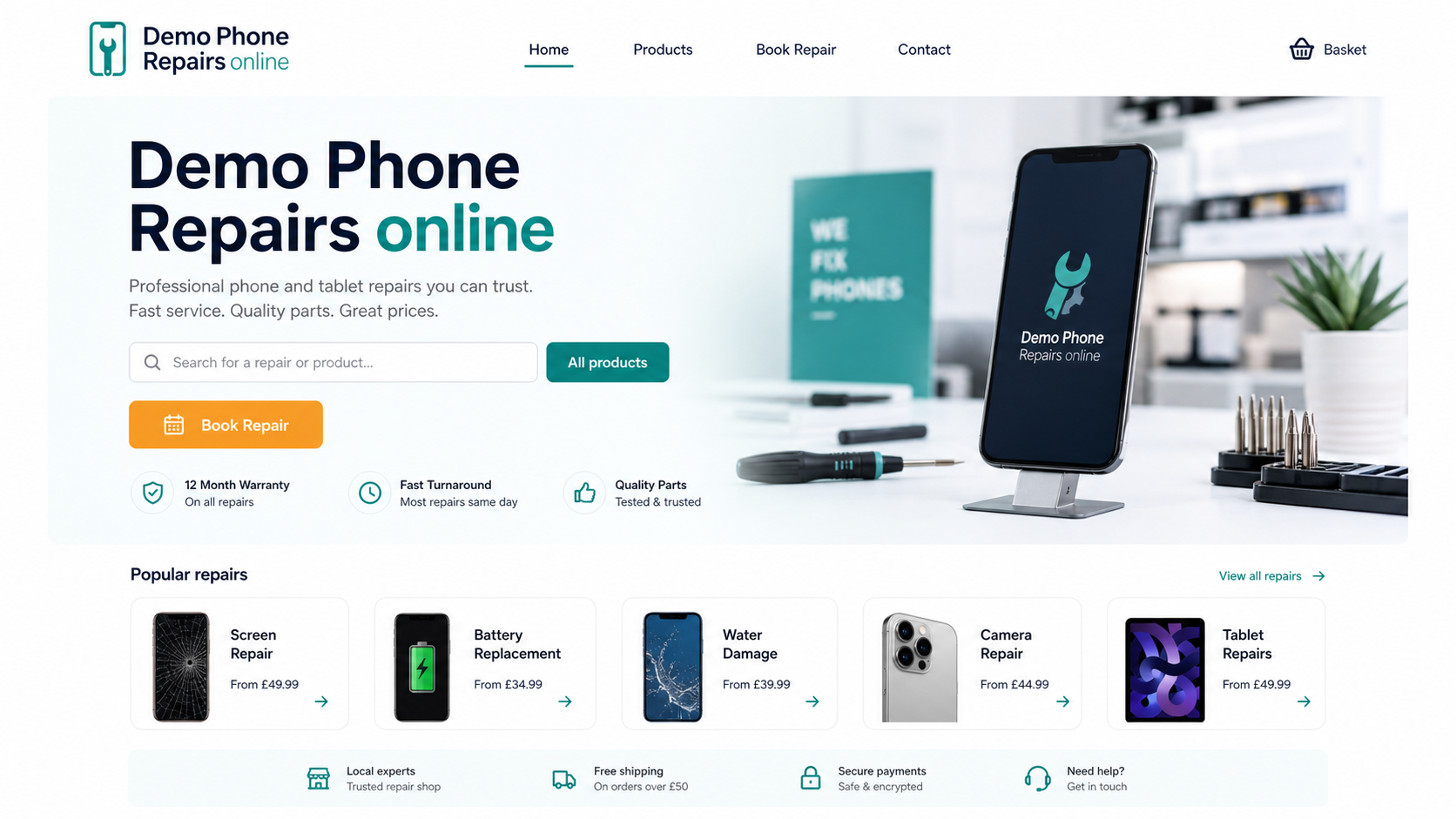
Start running your automotive operation better.
Get started with AutoOps Command today.
Questions? We have got answers.
See all FAQsYes. AutoOps Command is free for approved automotive dealers while launch access is controlled.
Yes. The automotive starter library helps you begin, but you can add, change or remove categories.
Yes. AutoOps Command is now a standalone platform focused on automotive dealers, vehicle prep, stock and diagnostics.
