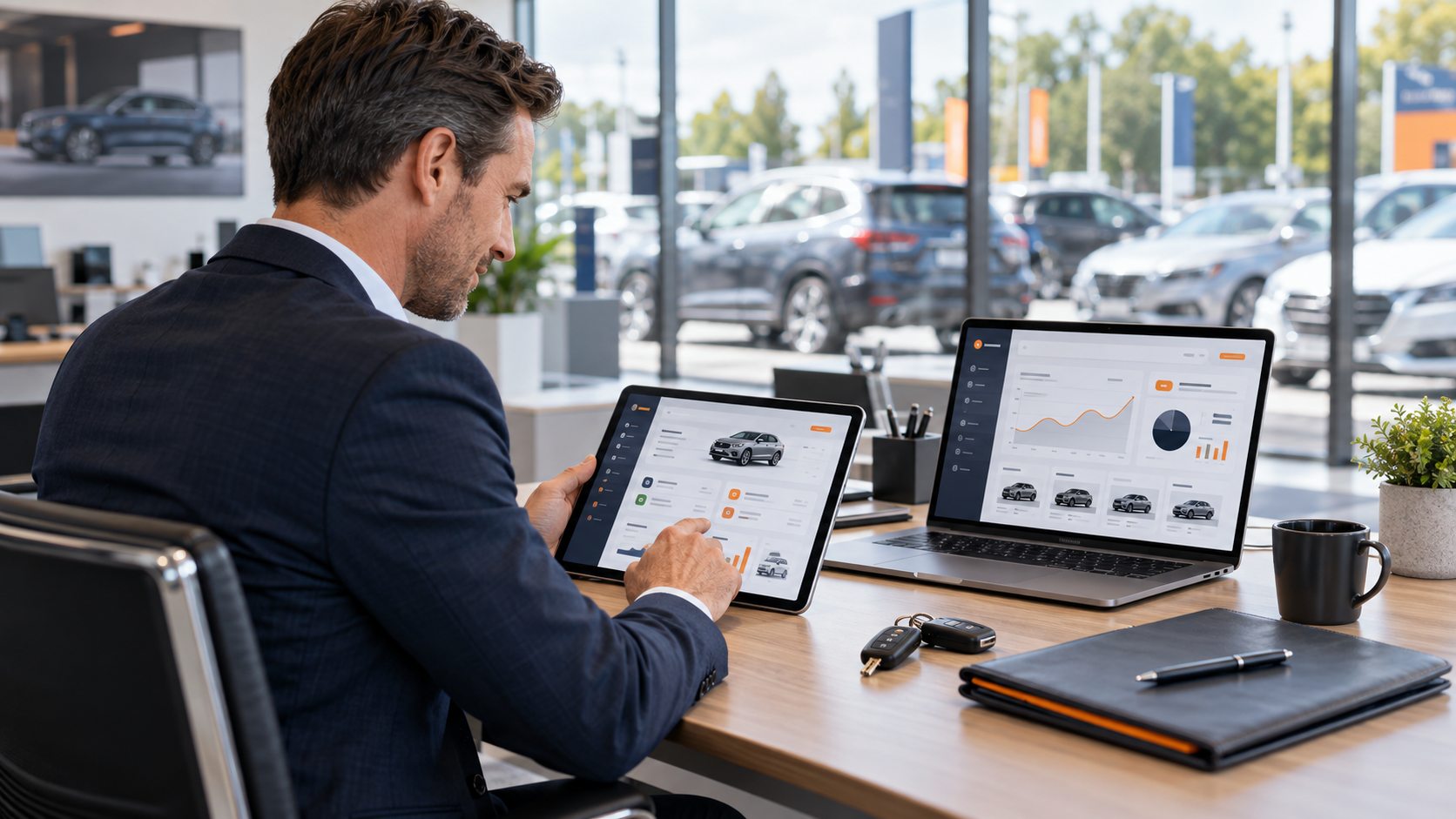
 Dealer command centre
Stock, prep, costs, customers and actions in one view
Connected stock, workshop, sales and aftercare for independent dealers and garages.
Start with the reg. Run the whole vehicle journey.
- Registration-first lookup
- DVSA MOT lookup
- Purchase and intake records
- Vehicle prep board
- Diagnostic checks and photos
- Invoices and email review
- CRM and communications
- Sales and handover packs
- Vehicle profit reports
- Complaints and aftercare
Private rollout access is currently by request.
Dealer command centre
Stock, prep, costs, customers and actions in one view
One vehicle history. From acquisition to aftercare.
Connect documents, costs, workshop findings, customers and communications to the registration. Keep the history through sales, cancellations, returns and resales.
Your vehicles. Your order of work.
Advertise first or prepare first. Choose any action for each vehicle, with separate prep, advertising and sale statuses.
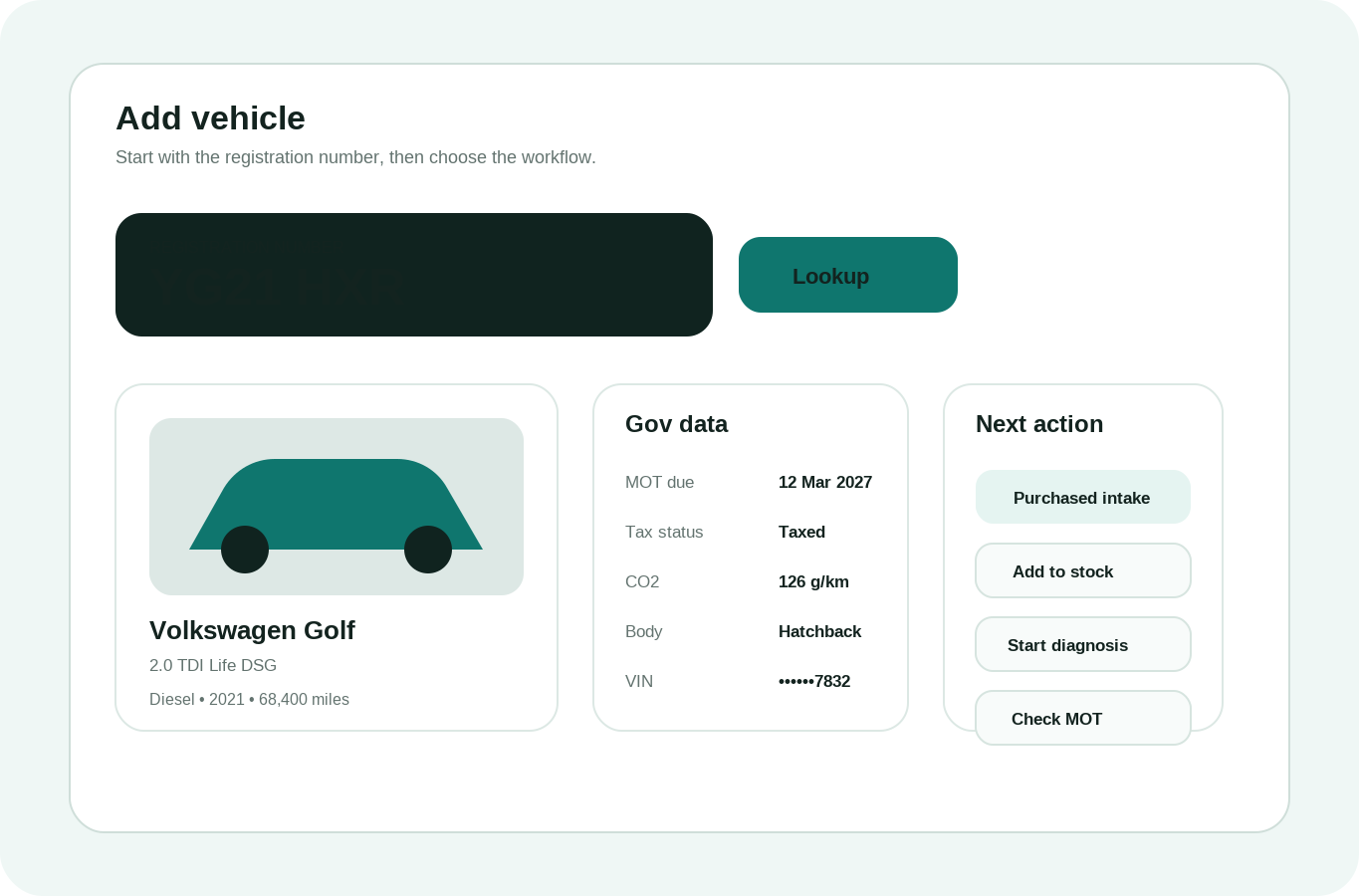 Start with the vehicle
Find the registration, check MOT information and keep acquisition documents with the vehicle record.
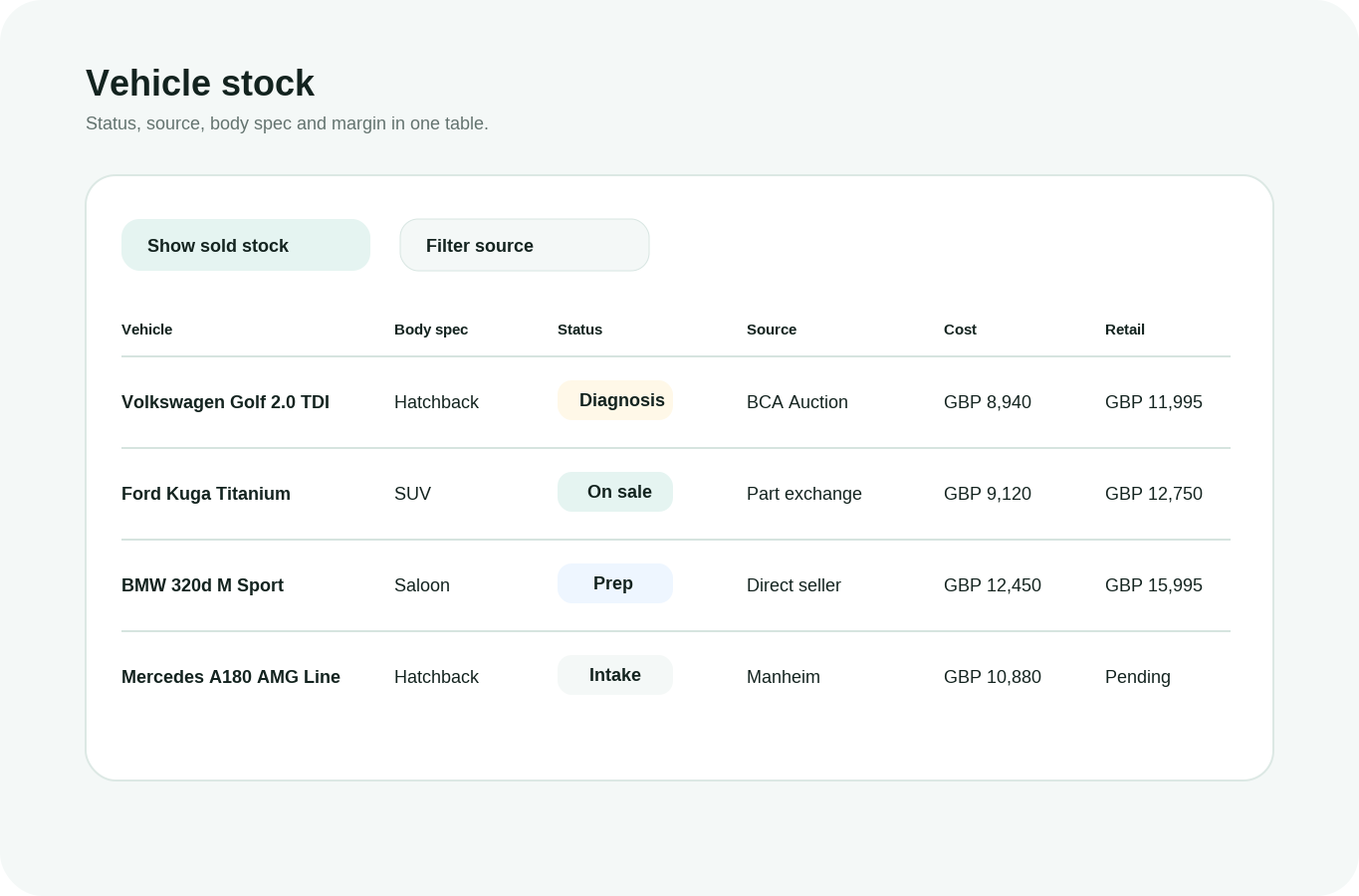 Intake or purchase
Record auction, supplier, customer purchase or existing stock with paperwork, photos and costs.
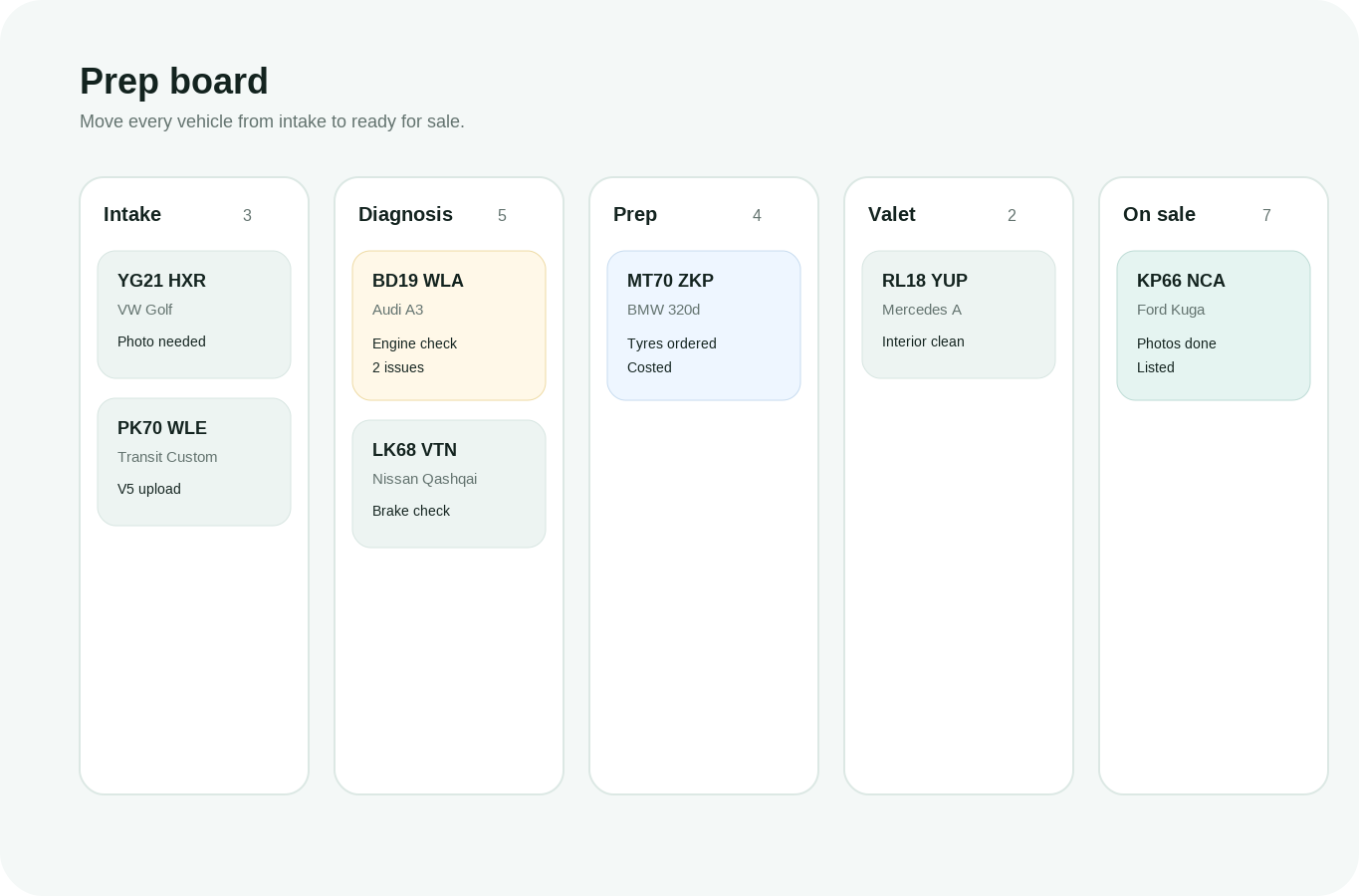 Diagnose and prep
Technicians work through checks, issues, photos, parts and prep tasks against the same vehicle record.
 Sell, hand over and support
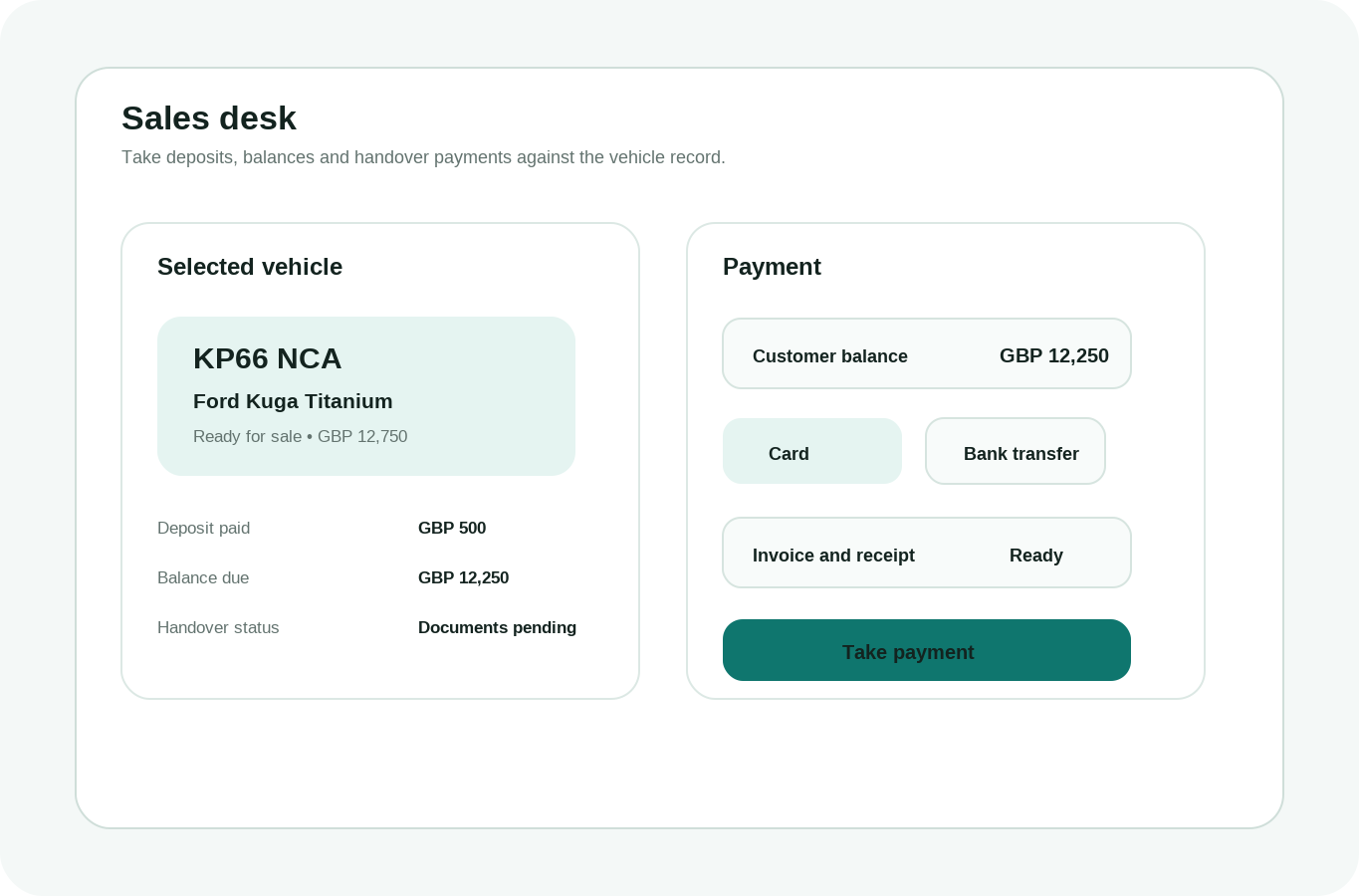
Keep buyer details, finance parties, printable packs and any return or aftercare history connected.
More of the working day, in one place.
Less retyping between stock, the workshop, customer conversations and accounts.
Flexible vehicle stock
Track prep, advertising and sales independently. Find active and sold vehicles by registration, with or without spaces.
Diagnostics and workshop
Record concerns, findings, photos and work required. Give mechanics printable sheets and previous work history without repeating the same data entry.
CRM and communications
Bring leads, customers, complaints and incoming or sent Outlook emails into a vehicle-linked history, with original attachments.
Email and AI review inbox
Review suggested invoice, customer and vehicle details from connected email, AI Scan or ManageBob MCP before approving changes.
Sales and handover
Keep broker and lender details separate. Print individual or combined sales packs, blank handover terms, invoices and receipts.
Complaints and aftercare
Open a return diagnostic ticket with the complaint and earlier work history. Record repairs, verification and separate AfterSale costs.
Vehicle profit reporting
Review daily, weekly and monthly sales and vehicle profit or loss, including purchase, prep and AfterSale costs. Missing figures stay visible.
Documents and marketing photos
Keep invoices, history and scanned multi-page documents with the vehicle. Auction evidence stays separate from dealer marketing photos.
Dealer control
Use staff permissions, sensitive-cost visibility and logged approvals to keep the right information with the right people.
Email, documents and AI
Less typing. You stay in control.
Connect Outlook or submit information through AI Scan and ManageBob MCP for compatible ChatGPT or Codex connections. Review proposed details against your existing vehicle and customer records before anything is applied.
- Capture the sourceEmail, invoice, attachment or scanned document.
- Check the suggested matchConfirm the vehicle, actual customer and selected fields.
- Approve with a traceable historyKeep original evidence linked to the approved record.
Capture proof while the work happens.
Primary vehicle photo
Issue photos per diagnostic check
Receipts and supplier invoices
Ready-for-sale photos and video
Tablet-first for the forecourt and workshop.
Staff can stand beside the vehicle, enter the registration, take photos, mark diagnostic checks, add parts, scan receipts and keep the record moving without returning to a desk.
Fast reg lookup
Camera-first proof
Simple next actions
Vehicle IntakeWG16 FEO
Registration lookup
Make / modelMercedes-Benz A Class
MOTCheck history
Next action
PurchaseStart
PrepOpen
ProofPhotos, V5, invoices, diagnostics
Continue
ManageBob FAQs.
Who is ManageBob for?
Independent vehicle dealers and garages managing cars, vans, workshop jobs, customer enquiries, sales and aftercare. Access is currently available through an approved private rollout.
Do I have to prepare every car before advertising it?
No. Preparation, advertising and sale statuses are tracked separately. Choose the next action for each vehicle to suit the way your dealership works.
Will AI or email imports change records without approval?
No. AI Scan, Outlook intake and ManageBob MCP prepare suggestions for review. Confirm the vehicle, customer and selected changes before applying an import, with source evidence retained. Connection setup and AI usage requirements depend on the service.
Can I see the full cost of a sold vehicle?
Vehicle profit reports bring together sale value, purchase cost, original preparation expenses and separate AfterSale costs. Missing figures are flagged so an incomplete record is not presented as a confirmed profit.
How does access work?
Request a dealer account or contact us to discuss your workflow. New accounts are reviewed before activation; connected services require their own setup and permissions.