Customers
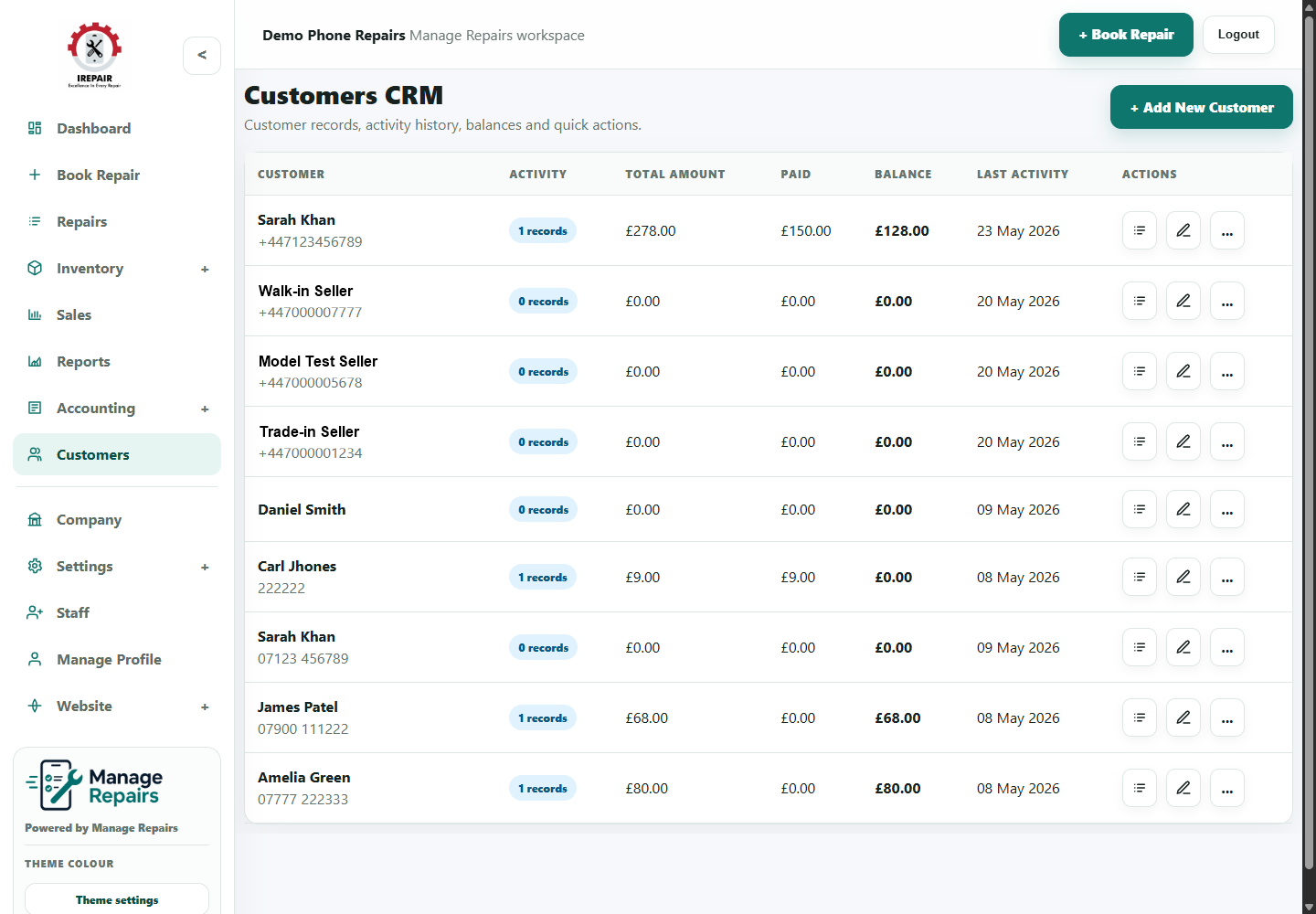
Manage customers and customer history
Keep customer contact details, repair history, POS orders and notes in one place.
Before you start
Customer records help staff answer questions quickly. A customer can have repair history, purchases, notes and contact details connected to the same profile.
Step-by-step
- Open Customers from the sidebar.
- Search by customer name, phone number or email address.
- Open a customer profile to review repair history and notes.
- Create a new customer when a person has not been recorded before.
- Keep contact details accurate so SMS, email and collection updates reach the right person.
- Use notes for helpful service context, not sensitive information that does not belong in the system.
Good to know
Check for an existing customer before creating a duplicate record.
Use customer history when a device comes back for another repair.