Clients
Gérer les clients et leur historique
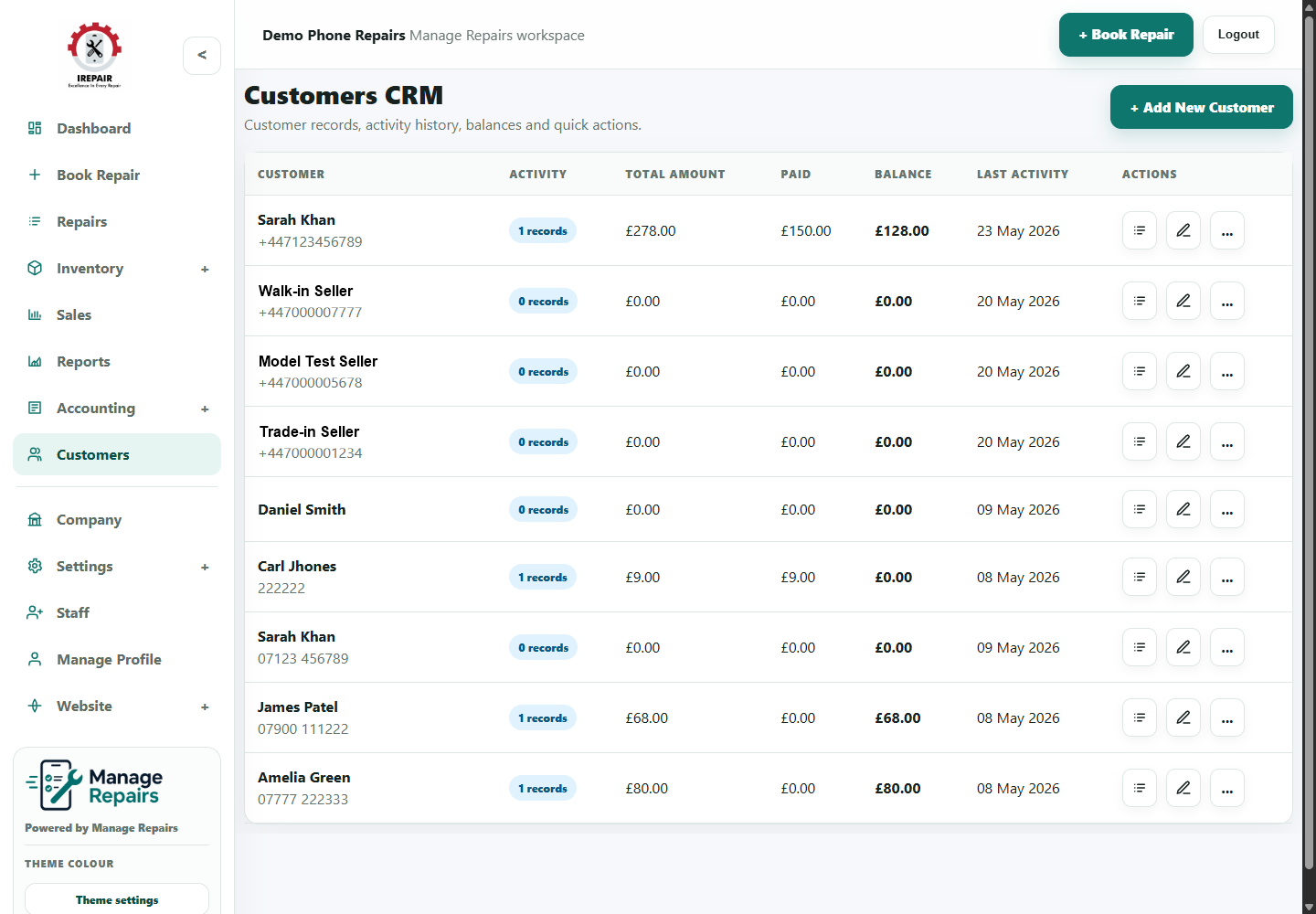
Centralisez coordonnées, historique des réparations, ventes caisse et notes client.
Avant de commencer
Les fiches client permettent de répondre plus vite. Une même fiche peut regrouper réparations, achats, notes et coordonnées.
Étapes
- Open Customers from the sidebar.
- Search by customer name, phone number or email address.
- Open a customer profile to review repair history and notes.
- Create a new customer when a person has not been recorded before.
- Keep contact details accurate so SMS, email and collection updates reach the right person.
- Use notes for helpful service context, not sensitive information that does not belong in the system.
Bon à savoir
Check for an existing customer before creating a duplicate record.
Use customer history when a device comes back for another repair.