POS
Use POS reports, X reports and Z reports
Review sales activity, run shift checks and close day totals with clearer till records.
Before you start
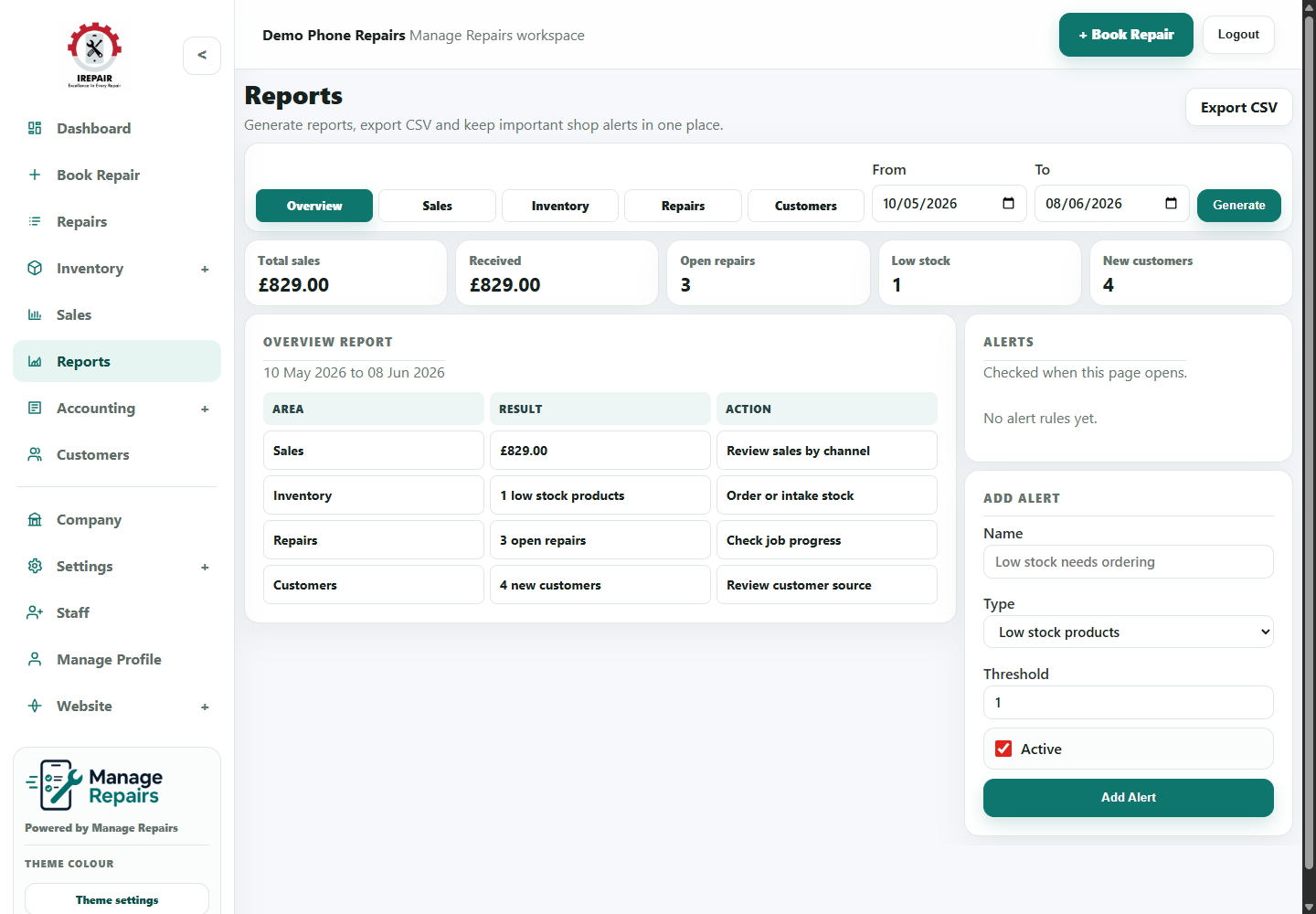
POS reports help staff and owners check sales activity. X reports are useful during a shift, while Z reports are normally used for closing totals.
Step-by-step
- Open POS, then POS Reports.
- Review the sales summary for the period you are checking.
- Use X Report when you want a non-closing till check during the day.
- Use Z Report when closing the till or day totals.
- Compare totals with cash, card and other payment records.
- Keep Z report records for accounting review.
Good to know
Use the same end-of-day routine so reports are easier to compare.
Ask your accountant how they want VAT and till records exported or summarised.