Trade-In
Record Trade-In
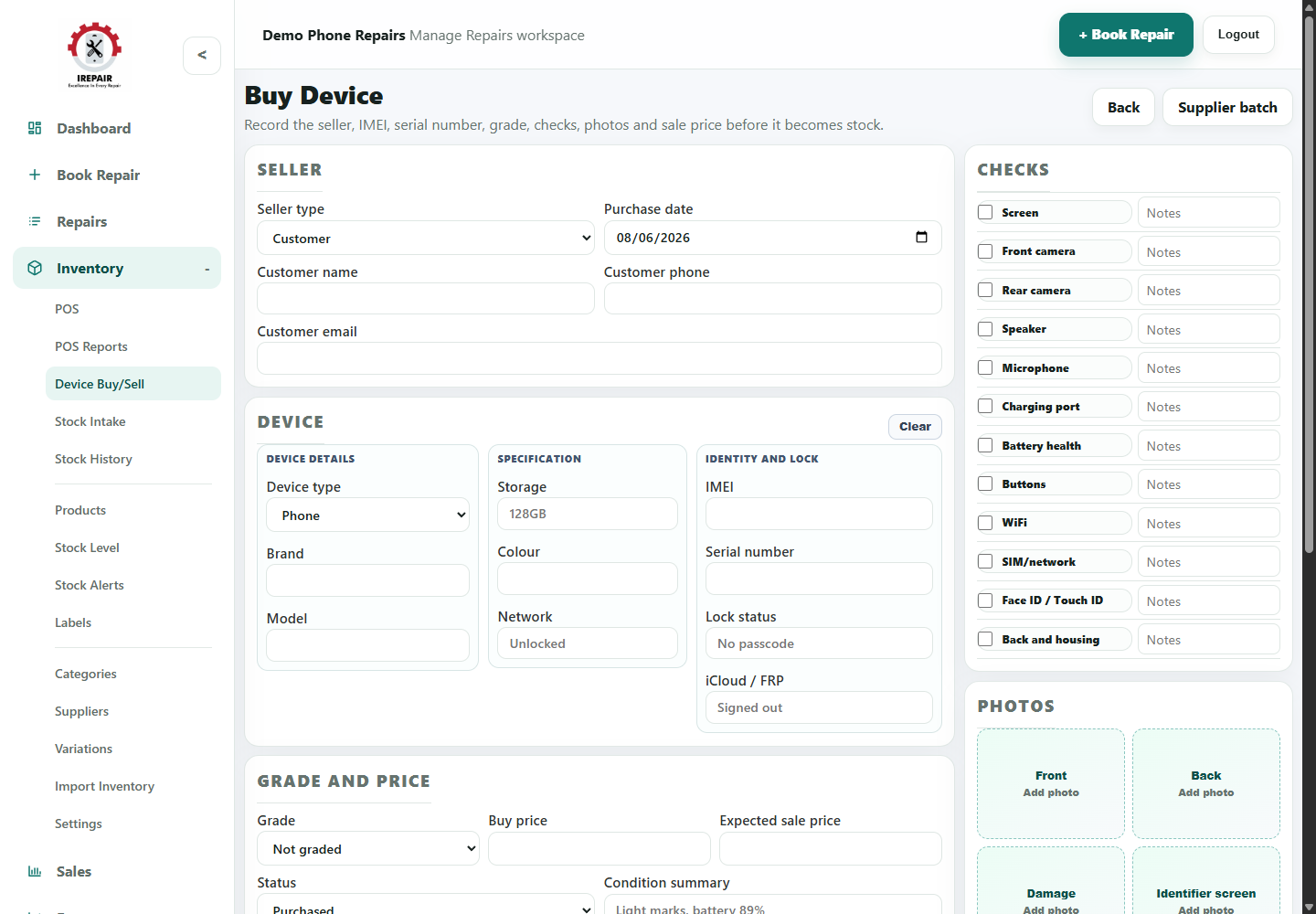
Record customer trade-ins or supplier device batches before moving them into inventory.
Before you start
Trade-In is for items bought from customers. Supplier batch records multiple supplied devices together.
Important sections on this page
Use these focused screenshots when matching the guide to the real screen.
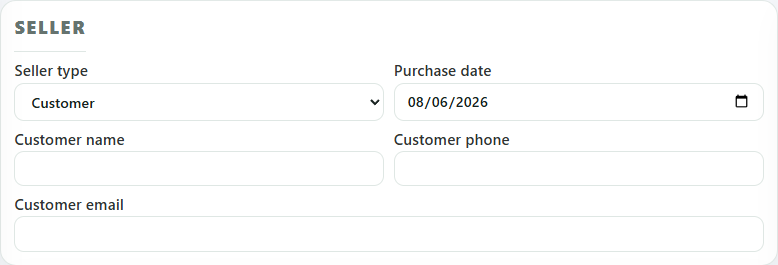
Seller details
Record who sold the item to the shop and when the purchase took place.
- Choose whether the seller is an existing customer or another seller type.
- Record purchase date and contact details clearly.
- Keep seller records tidy for future questions or returns.
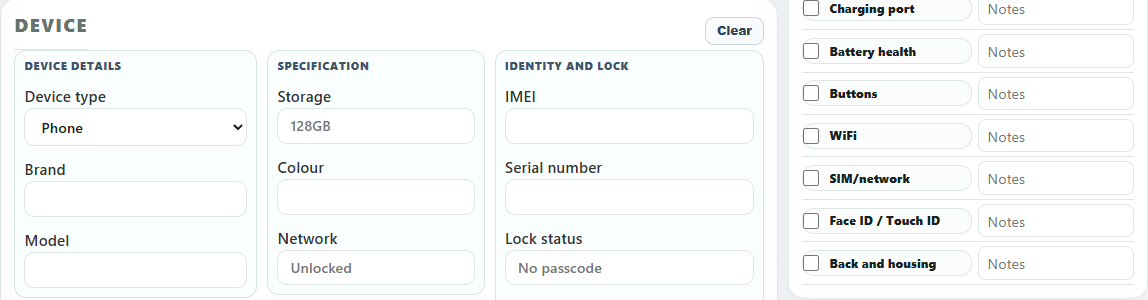
Item identity and checks
This area records the exact item and the checks completed before resale.
- Record item type, brand, model, storage, colour or other useful details.
- Add IMEI, serial number and lock status before listing items that need them.
- Use checks for screen, cameras, battery, buttons, WiFi and account status.
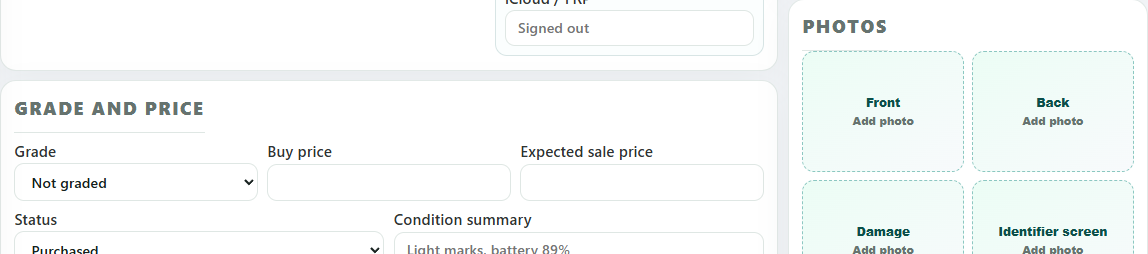
Grade, price and photos
Use grade, price and photos to prepare a clean purchase record before the item becomes stock.
- Set grade and condition summary honestly.
- Record buy price and expected sale price for margin checks.
- Add photos for front, back, damage and identifier screens.
Step-by-step
- Open Trade-In.
- Choose Customer Trade-In for a customer device, or Supplier batch for multiple supplier devices.
- Enter seller details and the agreed purchase information.
- Record IMEI, serial number or another identifier where the item type needs it.
- Add model, size, colour, grade and condition details where useful.
- Complete the checks your shop uses before accepting or listing the item.
- Add photos and save the purchase record.
- Print a purchase receipt or convert/list the item for sale when it is ready.
Good to know
For phones and computers, check account sign-out and reset status before resale.
Keep identifier and seller records clear for future questions or returns.