Reports
Use reports and alerts
Review repair, sales, stock and customer activity, then use alerts for items that need attention.
Before you start
Reports help owners see what is happening in the shop without checking every screen manually.
Step-by-step
- Open Reports from the sidebar.
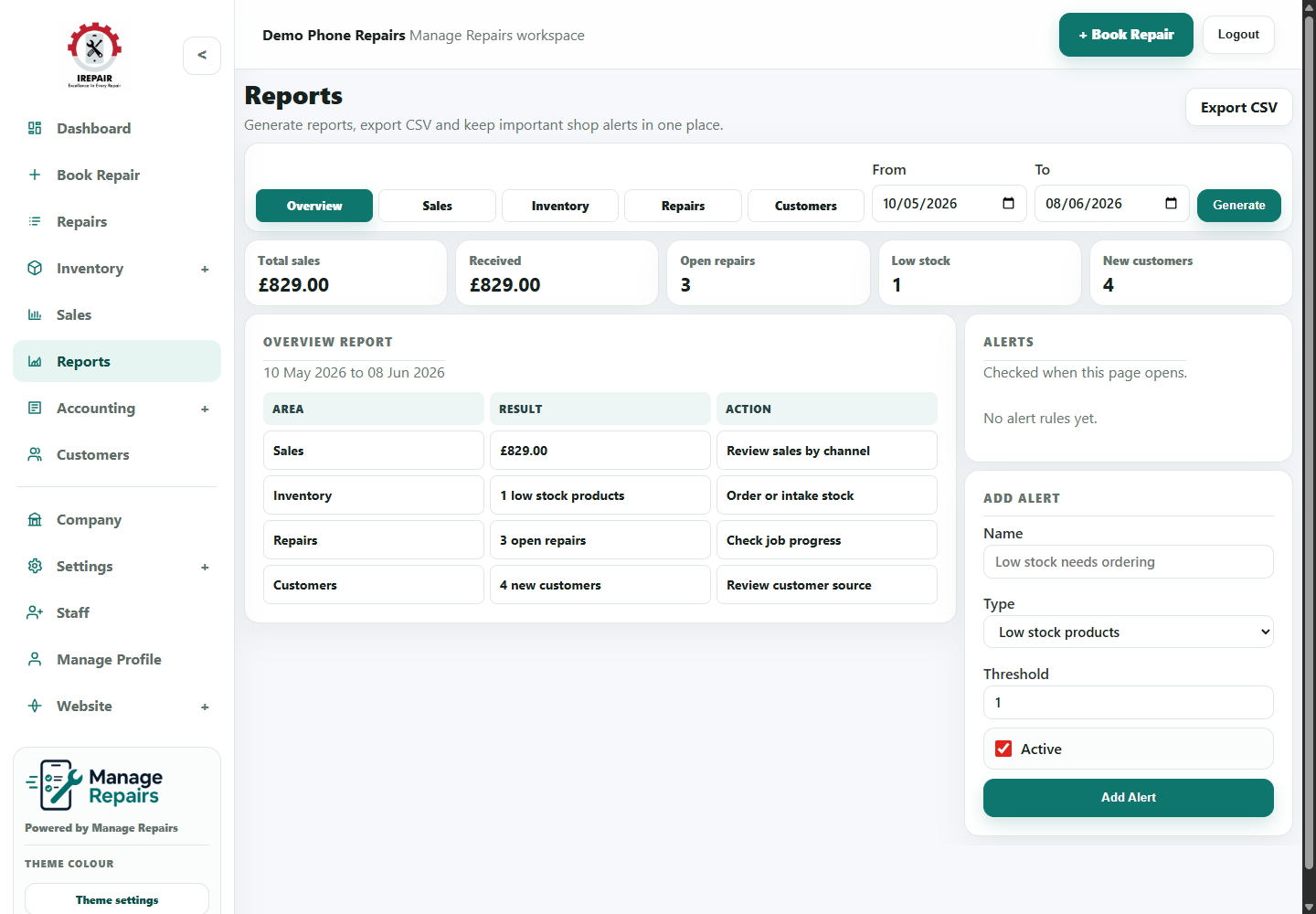
- Review repair, sales, stock and customer summaries.
- Use date ranges or filters where available to focus on the period you need.
- Create or update alert rules for items that need attention.
- Use low stock and overdue repair information during daily planning.
Good to know
Check reports weekly even if the shop is busy. Small stock problems become expensive when ignored.
Use alerts for action, not noise. Too many alerts make staff stop reading them.