Account
Manage profile, limits, branches and upgrades
Review the current plan, usage, branch access, profile details and upgrade options.
Avant de commencer
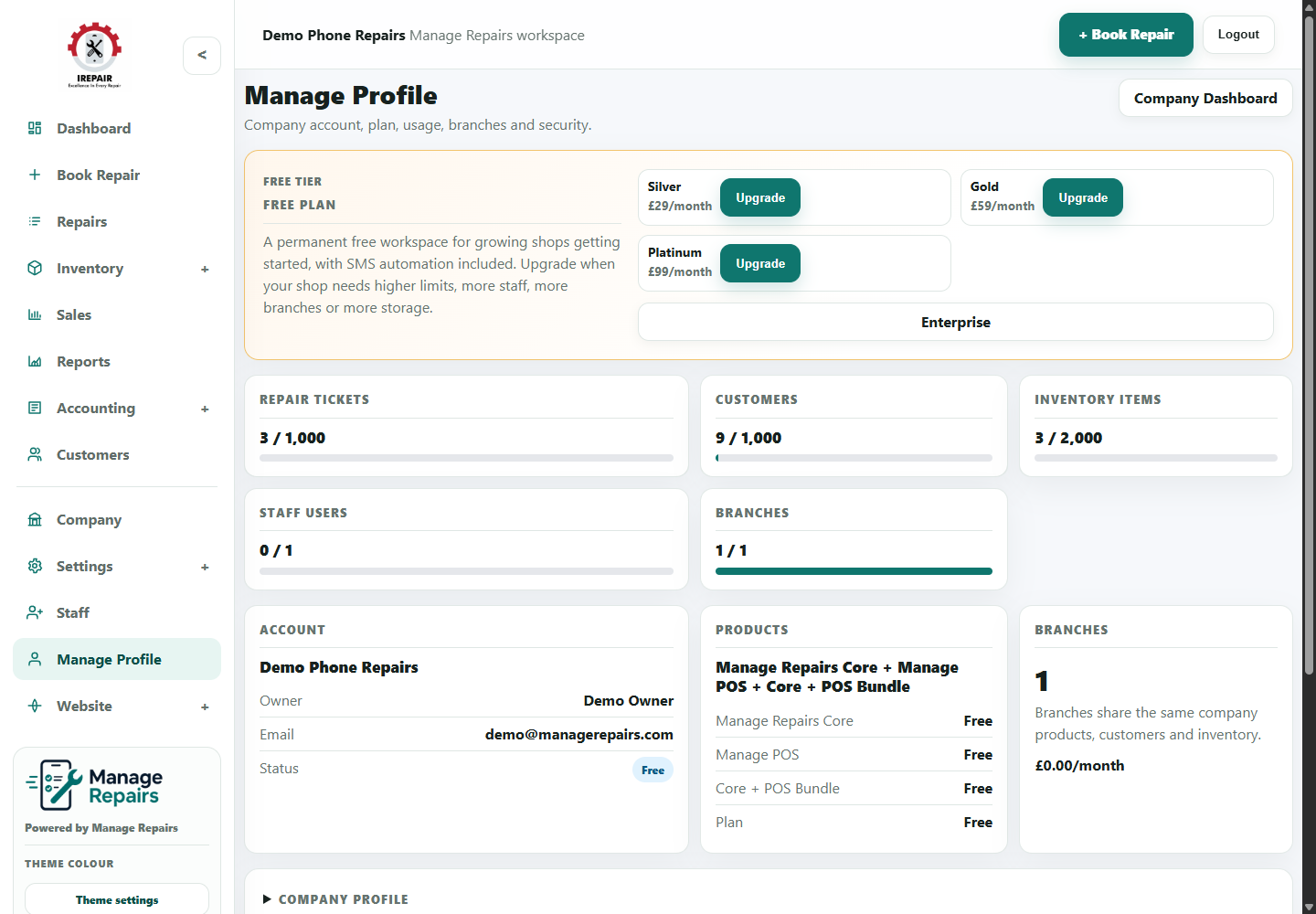
The Manage Profile area is where owners review account details, usage limits, branches and upgrade options.
Étapes
- Open Manage Profile from the sidebar.
- Review current plan, usage and account information.
- Update profile details when owner or shop contact information changes.
- Manage branches if your plan and business setup support more than one location.
- Review upgrade options when the shop needs higher limits, more staff, more branches or additional support.
- Contact support if enterprise or custom setup is needed.
Bon à savoir
Free workspaces remain viewable if a limit is reached; upgrades increase the limits for new work.
Check branch and staff needs before choosing an upgrade tier.