Réparations
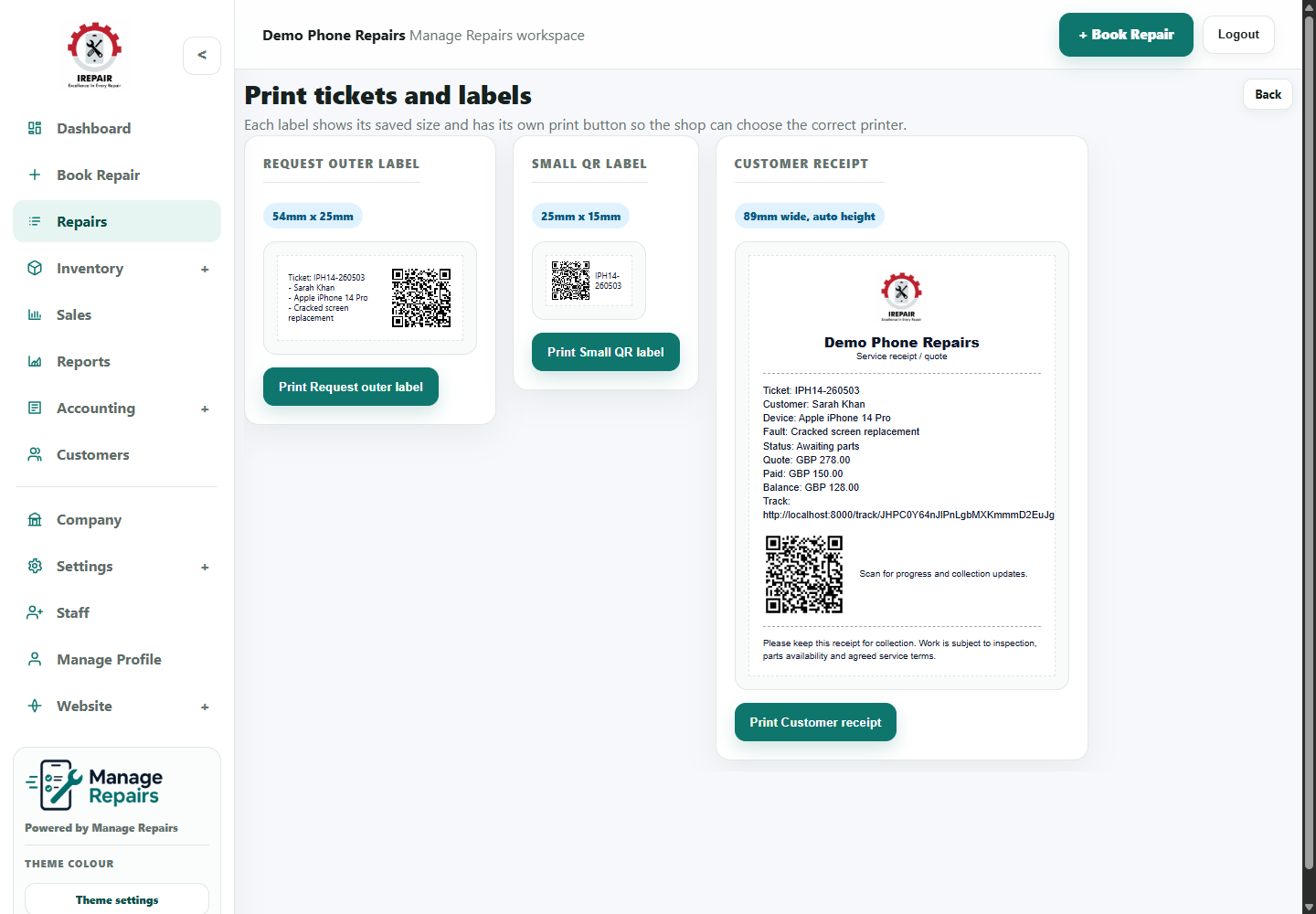
Créer et imprimer des étiquettes de réparation
Imprimez des étiquettes pour relier chaque appareil, sachet ou bac au bon dossier client.
Avant de commencer
Les étiquettes de réparation aident l’équipe à rattacher l’appareil physique au bon ticket, surtout quand plusieurs modèles similaires attendent des pièces.
Étapes
- Open the repair ticket from the repairs list.
- Choose the Labels option for that repair.
- Review the label preview and confirm the ticket, customer and device details look correct.
- Print the label using the shop label printer or browser print option.
- Attach the label to the repair bag, device tray or shelf location used by your shop.
Bon à savoir
Check label size in Labels Settings before printing a batch.
Use the same label position every time so staff can scan or read labels quickly.