Getting started
Use the first-time setup wizard and starter data
Choose language, shop details, logo and whether to import industry starter categories or sample products.
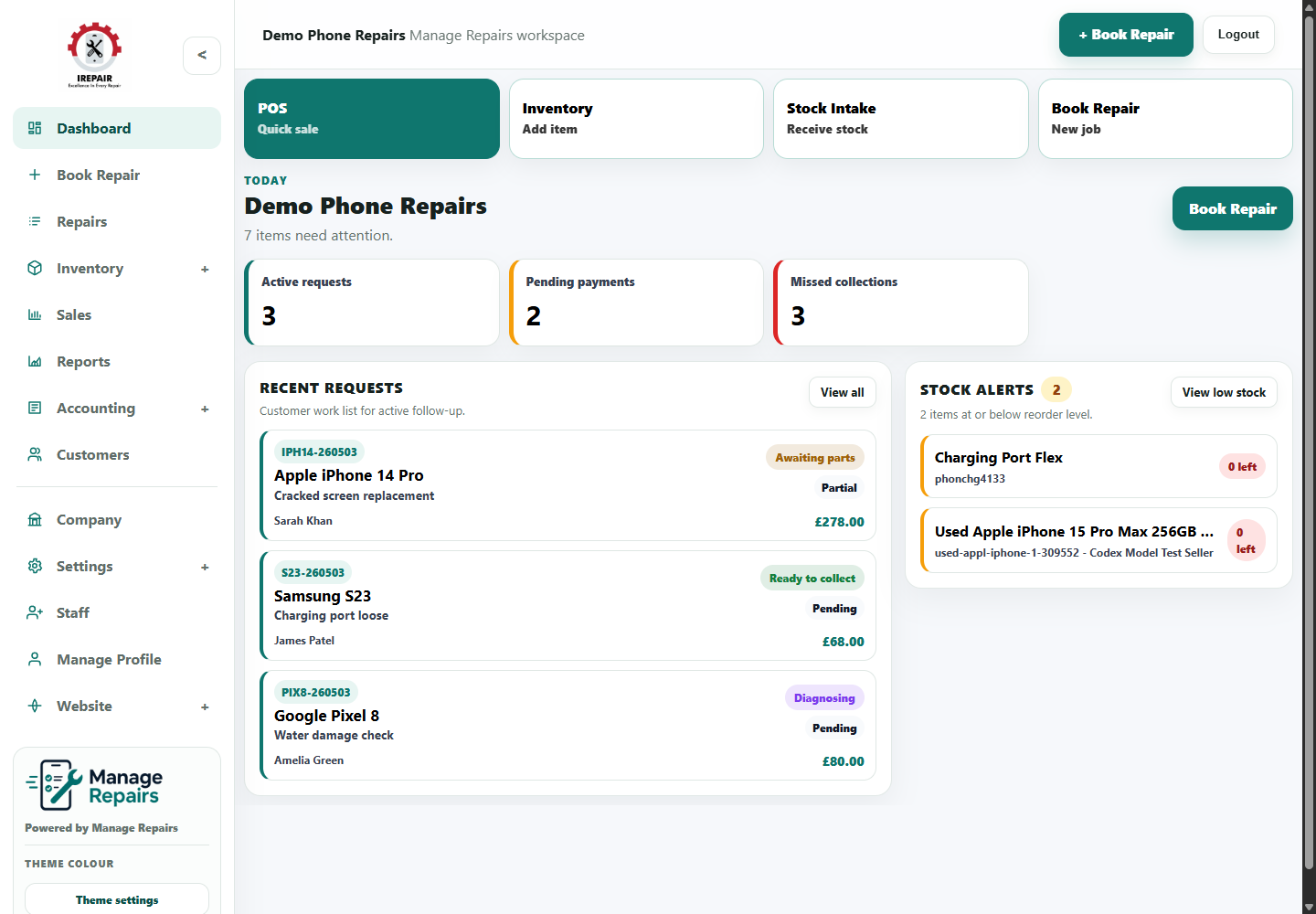
Avant de commencer
The setup wizard helps a new shop get the workspace ready without being pushed into every advanced setting at once.
Étapes
- Log in to the new workspace and open the Dashboard.
- Choose the workspace language when the setup wizard asks for it.
- Add the shop name, contact details and logo where available.
- Review the starter import preview for the selected industry.
- Choose Skip, Categories only, or Categories with sample products.
- Finish the wizard, then continue with the first real repair, customer, stock item or POS sale.
Bon à savoir
Categories only is usually cleaner for shops that already know their own products.
Categories with sample products can help a new user understand how stock records look before entering real stock.
Options et limites
Options
- Skip import leaves the shop mostly empty.
- Categories only imports the industry structure without sample products.
- Categories with sample products imports example items as well as categories.
- The shop website is enabled by default during setup and can be turned off later by the shop admin.
Limites
- Starter data is a useful starting point, not a complete supplier catalogue.
- Sample products should be reviewed before they are used for real selling or stock control.
- The wizard is intended for first-time setup; after completion, ongoing changes are made from the normal sidebar sections.