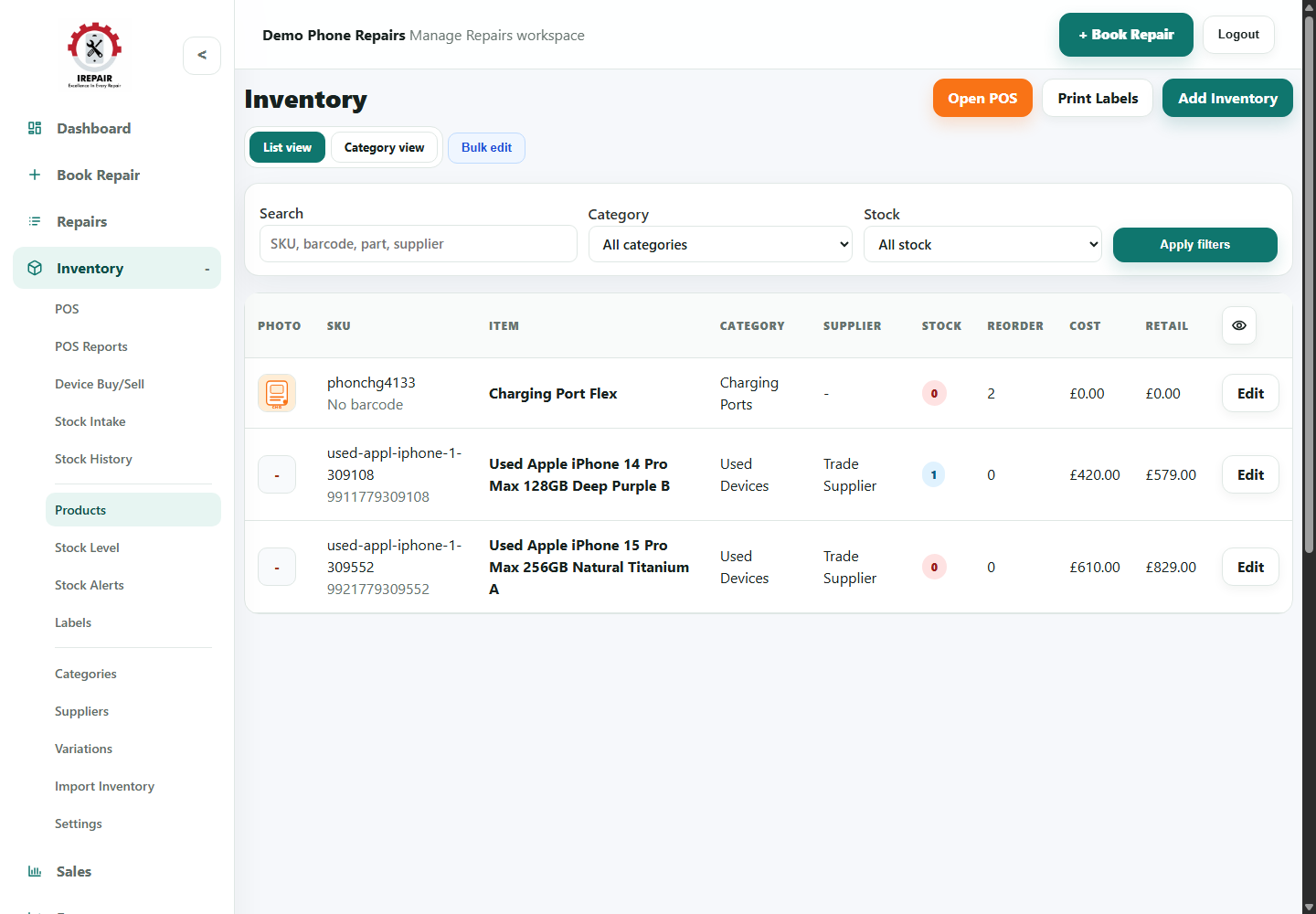
Inventory
Use stock intake and stock history
Receive new stock, update quantities and keep a clearer record of stock movement.
Avant de commencer
Stock intake helps the shop update quantities when deliveries arrive. Stock history gives owners a clearer trail of what changed.
Étapes
- Open Inventory and choose Stock Intake.
- Search for the product being received.
- Enter the received quantity and any useful supplier or batch notes.
- Save the intake so the product quantity updates.
- Use Stock History to review previous quantity changes when checking discrepancies.
Bon à savoir
Receive stock before selling it through POS so stock levels stay accurate.
Use supplier notes when a delivery contains several similar parts.